98 PKR Install Reward – How to Get Installation Bonus
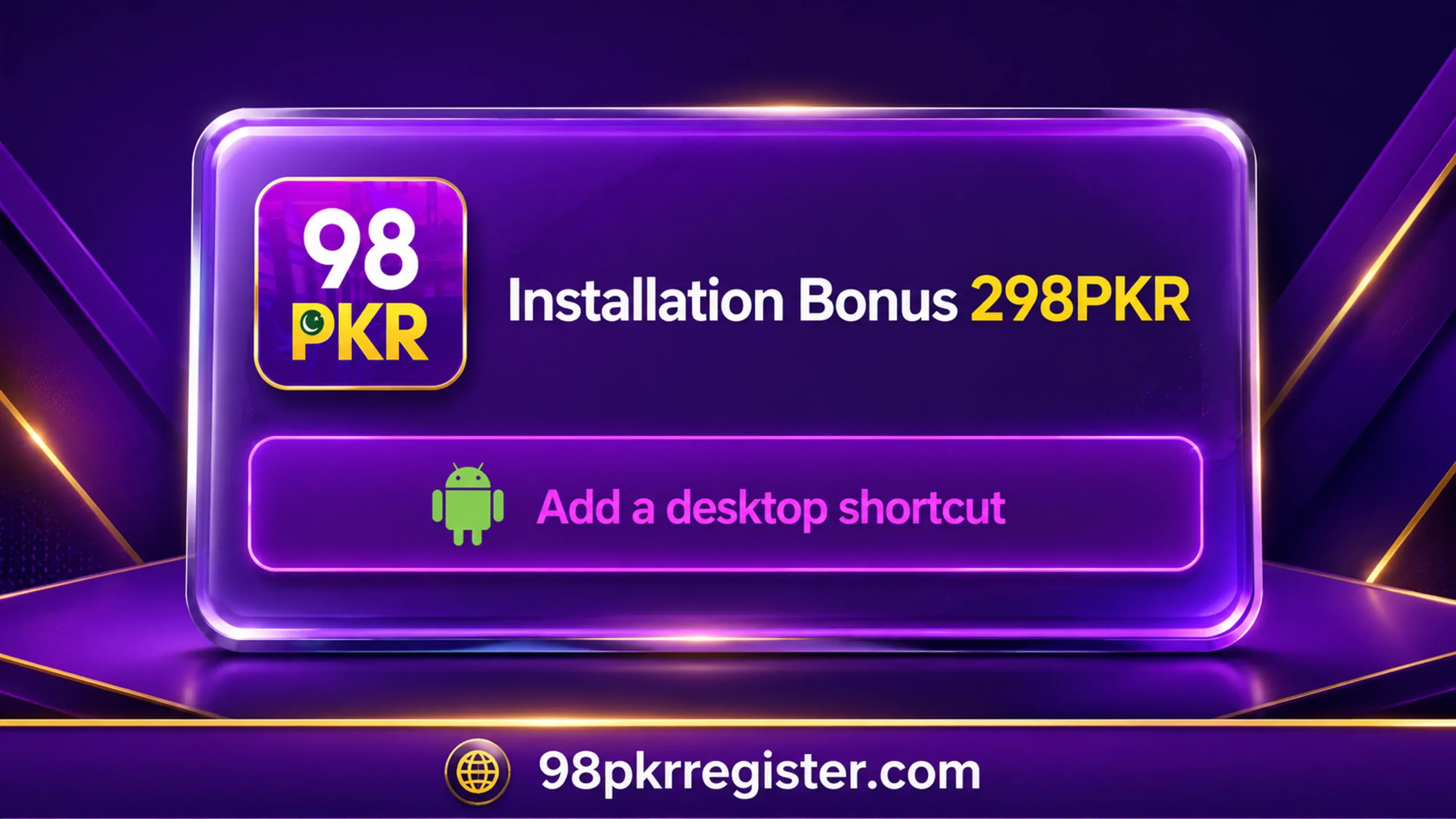
The 98 PKR Install reward is a promotional offer connected with adding the 98 PKR app or website shortcut to a supported device. According to the installation message shown on the platform, eligible users may see an “Installation Bonus 298PKR” notice with an option to add a desktop shortcut.
However, the reward may depend on current campaign rules, account eligibility, device type, and successful installation. Therefore, users should check the latest conditions inside the platform before expecting any bonus.
This guide explains what the Install reward means, how to add the shortcut, how to check the bonus, and what to do when the reward does not appear.
What Is the 98 PKR Install Reward?
The Install reward is a promotional bonus that may appear when a user adds the 98 PKR shortcut or web app to a device. The displayed installation message may show a reward amount and an “Add a desktop shortcut” button.
This shortcut creates a 98 PKR icon on the home screen or desktop. As a result, users can open the platform directly without searching for its website every time.
Still, adding a shortcut does not always mean that a complete Android APK has been installed. In some cases, the browser adds a Progressive Web App or a simple website shortcut instead.
Google explains that web apps can appear on a device’s home screen or launcher and work like installed applications. However, some features may still require an active internet connection. You can read more in the official Google Chrome web-app guide.
How Much Is the Installation Bonus?
The supplied 98 PKR installation screen advertises an “Installation Bonus 298PKR.” However, promotional amounts can change without notice.
The displayed amount does not automatically confirm that every user will receive the same reward. Eligibility may depend on:
- The current promotional campaign
- New or existing account status
- Successful shortcut installation
- Device and browser compatibility
- Mobile-number verification
- Regional availability
- Completion of additional conditions
- Previous participation in the offer
Always read the current offer rules before installing anything. Also, do not deposit money only because a promotional message promises a reward.
Is the Install Reward Guaranteed?
No Install reward should be treated as guaranteed. The amount shown in an advertisement represents the platform’s promotional claim, not a promise from 98pkrregister.com.
The platform may limit the offer to new users, one device, one account, or a specific campaign period. Moreover, it may change, pause, or end the promotion at any time.
Therefore, check your account’s promotion section after installation. If the reward does not appear, read the terms before contacting verified in-app support.
Requirements for the 98 PKR Install Reward
Before trying to receive the installation bonus, check the following requirements.
A Supported Device
Use an Android phone, tablet, or computer that supports website shortcuts or web-app installation.
An Updated Browser
Use an updated version of Google Chrome or another supported browser. An old browser may not show the installation option correctly.
A Stable Internet Connection
A weak connection can interrupt the process. Therefore, connect to reliable Wi-Fi or mobile data before adding the shortcut.
A Registered Account
The platform may require users to create an account before it records the installation. Use your own active mobile number if phone verification is required.
An Eligible Account
Some offers only work for new accounts. Existing users or people who previously installed the shortcut may not qualify.
Permission to Add a Shortcut
Your browser needs permission to create an icon on the home screen or desktop. Check your browser and launcher settings if the icon does not appear.
One Account and One Device
The platform may restrict the Install reward to one account on one device. Creating several accounts can lead to verification problems or account restrictions.
How to Claim the 98 PKR Install Reward on Android
The exact process can change according to the browser and platform version. However, Android users can usually follow these steps:
- Open the correct 98 PKR page in Google Chrome.
- Sign in to your registered account if required.
- Wait for the installation message to appear.
- Read the displayed bonus amount and conditions.
- Tap “Add a desktop shortcut” or a similar option.
- Allow Chrome to create the shortcut.
- Confirm the name and icon when requested.
- Return to your Android home screen.
- Find the newly created 98 PKR icon.
- Open the platform using that icon.
- Sign in with the same registered account.
- Check the wallet, rewards, or promotion section.
On some Android devices, the browser may use “Install app,” “Add to Home Screen,” or “Install and create shortcut.” These options can perform similar actions, although the final experience may vary by website and browser.
Manual Installation Through Chrome
Sometimes the 98 PKR Install reward message does not appear automatically. In that case, try the manual method:
- Open the platform in Google Chrome.
- Tap the three-dot menu.
- Select “Install and create shortcut.”
- Choose “Install” or “Create shortcut.”
- Follow the on-screen instructions.
- Check the Android home screen for the icon.
- Open it and sign in again.
Google’s current instructions also tell Android users to open Chrome, visit the web app, select the browser menu, and follow the installation or shortcut steps.
However, manual installation may not activate a promotional reward if the offer requires users to start from a special in-app button. Check the campaign rules before trying again.
How to Add the Shortcut on a Computer
Users may also see an “Add a desktop shortcut” option on Windows or another computer.
Follow these steps in Google Chrome:
- Open the correct 98 PKR page.
- Sign in if the offer requires an account.
- Click the installation message.
- Choose the shortcut or app-installation option.
- Confirm the installation.
- Check the desktop or applications menu.
- Open the shortcut.
- Log in with the same account.
- Review the rewards section.
Chrome may also show an installation icon inside the address bar. If it does not appear, open the browser menu and look for “Install page as app” or a similar option.
How to Add 98 PKR to an iPhone Home Screen
An Android APK cannot run directly on an iPhone. However, iPhone users may be able to add a website shortcut to the Home Screen.
Follow these steps:
- Open the platform in Safari or a supported browser.
- Tap the Share button.
- Select “Add to Home Screen.”
- Confirm the shortcut name.
- Tap Add.
- Open the shortcut from the Home Screen.
- Sign in with the same account.
Apple devices may treat the shortcut differently from Android. Therefore, the Install reward may not apply to iPhone users unless the offer terms clearly include iOS.
Where Does the Install Reward Appear?
After successful installation, the reward may appear in one of these sections:
- Main account balance
- Bonus balance
- Rewards centre
- Promotion page
- Message centre
- Notification area
- New-user task section
The platform may take time to verify the installation. Therefore, wait briefly and refresh your account before trying the process again.
Do not create another account only because the bonus does not appear immediately.
Why Is My 98 PKR Install Reward Not Showing?
Several common problems can prevent a bonus from appearing.
You Used an Existing Account
The promotion may only apply to new users. An account that previously opened or installed the platform may not qualify.
You Installed the Wrong Shortcut
A copied page can use a similar logo and name. Always check the domain before adding a shortcut or entering account information.
You Did Not Open the New Icon
Some campaigns may record the installation only after a user launches the newly created icon.
You Used a Different Account
Open the shortcut with the same account used during the installation process.
Your Browser Blocked the Installation
An old browser, restricted launcher, private browsing mode, or disabled permission can prevent a shortcut from being created.
The Offer Has Ended
Promotions can expire or change without notice. A screenshot or older guide may show an amount that is no longer available.
The Reward Needs Verification
The platform may review the device, account, mobile number, or promotional eligibility before adding a bonus.
You Already Claimed It
Many installation offers work only once. Removing and adding the shortcut again may not create another reward.
How to Fix Install Reward Problems
Try these solutions one at a time:
- Confirm that the shortcut appears on your home screen.
- Open it and sign in to the correct account.
- Check the rewards and message sections.
- Update Google Chrome.
- Turn off private or incognito mode.
- Allow Chrome to create home-screen shortcuts.
- Restart your device.
- Clear the browser cache without deleting important login information.
- Wait for a short time and check again.
- Read the current promotion terms.
If the problem continues, contact verified support inside the relevant platform. Never send your OTP, password, wallet PIN, or complete payment details to an unknown support page.
Is It Safe to Add the 98 PKR Shortcut?
A shortcut is not automatically safe or dangerous. Safety depends on the website it opens.
Before adding it, check these points:
- Confirm the complete website address.
- Make sure the page uses HTTPS.
- Avoid links received from unknown WhatsApp accounts.
- Do not grant unnecessary browser permissions.
- Keep Google Play Protect active.
- Review the platform’s privacy policy.
- Never share an OTP with another person.
- Avoid pages that promise guaranteed income.
- Remove the shortcut if its name or icon changes unexpectedly.
Google advises users to review major name or icon changes because an unexpected change can indicate suspicious behaviour.
Shortcut Installation vs APK Installation
Many users confuse a home-screen shortcut with an APK. However, they are different.
A shortcut usually opens a website or web app through the browser. It normally uses less storage and does not require a separate APK file.
An APK installs an Android application package on the device. It may request additional permissions and take more storage.
The Install reward screenshot uses the words “Add a desktop shortcut.” Therefore, users should not assume that this button downloads a complete APK. Read the on-screen message carefully before continuing.
Can You Remove the Shortcut Later?
Yes. On Android, press and hold the shortcut icon. Then choose Remove or Uninstall, depending on how the browser added it.
Removing the shortcut does not always delete your online account. Your profile may remain active on the platform until you request account deletion through its official process.
Removing and reinstalling the shortcut will not normally create another Install reward.
Important Safety Tips
Follow these rules when using any installation promotion:
- Use one account with accurate information.
- Do not buy a referral or installation code.
- Never pay someone to release a bonus.
- Keep your password and OTP private.
- Do not install remote-control apps for support.
- Avoid modified or unlimited-reward APK files.
- Do not use borrowed money.
- Save screenshots of genuine error messages.
- Read all promotional conditions.
- Treat every bonus as optional, not guaranteed income.
Frequently Asked Questions
Find clear answers about the 98 PKR Install reward, installation bonus, shortcut requirements, account eligibility, and common problems.
01 What is the 98 PKR Install reward?
It is a promotional bonus connected with installing a supported web app or adding a 98 PKR shortcut to a device.
02 How much is the installation bonus?
The supplied promotion displays “Installation Bonus 298PKR.” However, the amount and eligibility can change.
03 Is the bonus available to every user?
Not necessarily. The offer may depend on account status, device, region, campaign period, and completed conditions.
04 Do I need to download an APK?
The displayed option says “Add a desktop shortcut.” Therefore, it may add a web app or shortcut instead of downloading an APK.
05 Where can I find the bonus?
Check the wallet, rewards centre, promotion section, notification area, or account messages.
06 Can existing users receive the Install reward?
The answer depends on the current offer rules. Some installation rewards only apply to new users.
07 Can I claim the reward more than once?
Most installation promotions only work once per eligible account or device.
08 Why is my shortcut not appearing?
Your browser may lack permission, your launcher may block new icons, or the installation may not have finished.
09 Is the Install reward guaranteed?
No. Promotional amounts and eligibility depend on the platform’s current terms and verification.
10 Can 98pkrregister.com add the bonus to my account?
No. 98pkrregister.com is an independent information guide. It cannot access accounts, bonuses, passwords, deposits, or withdrawals.
Check the current promotional terms before installation. Never share your password, OTP, wallet PIN, or payment information to claim a bonus.
Conclusion
The 98 PKR Install reward may give eligible users a promotional bonus after they add the supported shortcut or web app to their device. The provided installation notice advertises a 298PKR bonus, but users should confirm the latest amount and conditions before expecting it.
Use an updated browser, register with accurate information, add the shortcut through the correct platform, and open it with the same account. Most importantly, never share your OTP, password, or wallet PIN. Treat the offer as a temporary promotion rather than guaranteed earnings.