Fortune Games 3 – Complete Gameplay and Features Guide
Fortune Games 3: How to Open, Play and Understand the Game
Fortune Games 3 is a JILI slot-style game shown inside the 98 PKR platform. It uses a temple theme, bright gemstones and multiplier symbols. This guide explains the game screen, basic controls, loading process and safer-play checks in clear language.
Table of Contents
What Is Fortune Games 3?
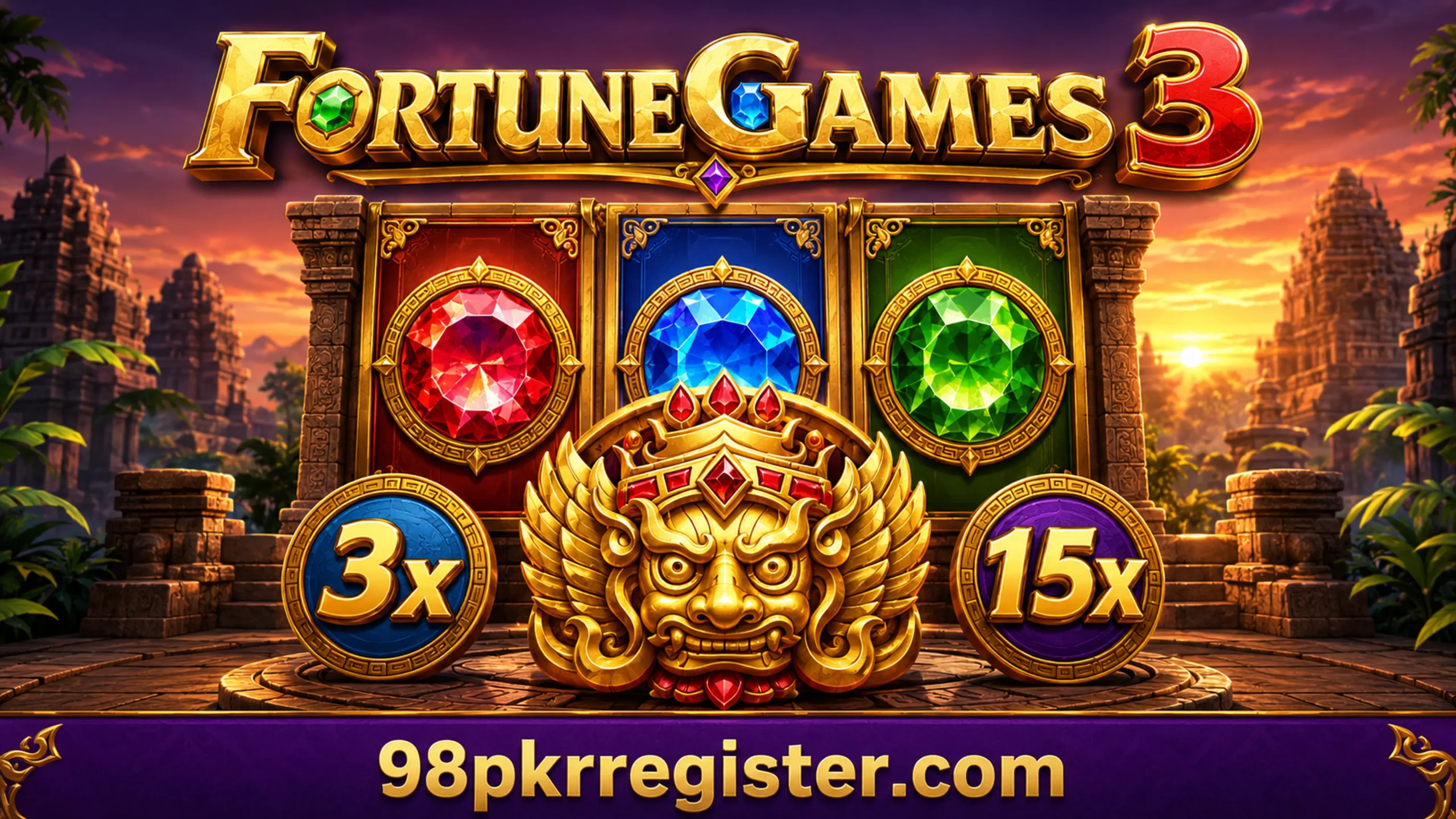
Fortune Games 3 is a mobile slot-style title from JILI. The supplied screenshots show it in the 98 PKR game lobby beside other games. Its visual design uses stone temples, gold panels, coloured gems and a large guardian-style mask.
The game screen contains symbol columns, a balance area, a bet value, a win display and a spin control. It also shows multiplier values such as 3x and 15x. These elements make the screen easy to recognise, but players should still read the current in-game rules before placing a bet.
Fortune Games 3 does not offer a guaranteed earning method. Each round uses the platform’s game system, and a player can lose the amount used for a round. Therefore, users should treat it as entertainment and never use essential household money.
Fortune Games 3 Information
| Game name | Fortune Games 3 |
|---|---|
| Provider shown | JILI |
| Game type | Slot-style mobile game |
| Theme | Temple, gems and gold symbols |
| Device | Android phone or another supported device |
| Internet | A stable connection is required |
| Cost | Check the current bet value before every spin |
| Age | Adults only where real-money features exist |
The platform can change game access, rules, bet limits and reward conditions. For that reason, confirm all current details inside the official game screen instead of relying on an old screenshot.
How to Find Fortune Games 3 in 98 PKR
- Open the 98 PKR platform on your supported device.
- Sign in only through the website or application that you have verified.
- Open the main game lobby and look through the displayed game cards.
- Find the tile labelled “Fortune Games 3.” The screenshot shows a golden temple mask on the tile.
- Tap the tile once and wait for the JILI loading screen to finish.
Do not press the tile many times while the game loads. Repeated taps can open more than one window or interrupt the loading process. Instead, wait briefly and check your connection if the screen remains black.
How to Start Fortune Games 3
After loading, the game may display a short instruction screen. The supplied image explains that a winning result can receive a win multiplier reward. Review every instruction page because it can explain symbols or round features that are not obvious on the main screen.
- Read the introduction and use the arrows to view the available help pages.
- Choose “Continue” only after you understand the shown information.
- Check the balance and the current bet amount at the bottom of the screen.
- Use the bet controls to select an amount that fits your preset limit.
- Press the spin button once and wait until the round ends.
- Review the win display before starting another round.
A higher bet can increase both possible returns and possible losses. It does not improve certainty. Start with the lowest available amount while learning the controls, and stop when you reach your time or spending limit.
Understanding the Fortune Games 3 Screen
Balance
The balance area shows the funds currently available in the game session. Check it before and after each round.
Bet value
The bet area shows the amount selected for the next round. Confirm this number before pressing spin.
Win display
The win field shows the result credited for the completed round. A zero means that round did not return a win.
Spin button
The large round button starts a round. Press it once and let the animation finish.
Settings
The gear icon may contain sound, speed or game information controls. Available options can change by version.
Extra Bet
The screen shows an Extra Bet switch. Read its rules and added cost before turning it on.
How the Win Multiplier Display Works
The screenshots show multiplier circles marked 3x and 15x. A multiplier normally changes the value of a qualifying result according to the game’s rules. However, seeing a multiplier on the screen does not mean that every spin receives it.
The instruction image says that a win can receive a multiplier reward. The exact trigger, symbol combination and calculation may vary. Open the information icon inside Fortune Games 3 and read the live paytable for the most accurate explanation.
Never estimate a future result from earlier rounds. A series of losses does not prove that a win will come next. Likewise, one winning round does not show that the next spin will win.
Main Features Visible in Fortune Games 3
Temple-style design
The game uses ancient stone buildings, decorative gold panels and colourful gemstone symbols.
Clear mobile controls
The lower control bar places the balance, bet, win and spin options in one visible area.
Multiplier symbols
The game displays multiplier values beside the symbol area. Their use depends on the current rules.
Help information
An information icon and opening guide can help players understand selected game functions.
Optional controls
The screenshots show settings, turbo-style and Extra Bet controls. Review each option before use.
Portrait lobby access
Players can find the game through a phone-friendly lobby and then open a wide gameplay screen.
Safety Checks Before You Play
Verify the platform
Check the website address, developer details and security information before entering an account password. Avoid copies shared through unknown social-media messages.
Protect account details
Keep your password, OTP and wallet PIN private. Genuine support should not need your password or one-time verification code.
Set a fixed limit
Choose a spending limit before you open the game. Do not increase it to recover a loss. Also set a time limit and take regular breaks.
Check local rules
Real-money gaming rules vary by age and location. Confirm that you meet the legal age and that the activity is permitted where you live.
Review permissions
If the platform asks you to install an APK, review the source and requested permissions first. Do not allow access that the application does not need.
Common Fortune Games 3 Problems
The game stays on the JILI loading screen
Switch to a stable network, close unused applications and open the game again. You can also clear the browser cache, but do not remove saved login data unless you know your password.
The screen does not fit the phone
Rotate the device if the game requests landscape mode. You can also close floating banners and use the browser’s full-screen option where available.
The balance does not update
Wait for the round to finish and refresh the wallet once. Save a screenshot of the round details if the displayed balance still looks incorrect, then contact the platform through its verified support channel.
The spin button does not respond
Check whether the game has finished loading and whether the selected balance covers the bet. A weak connection can also delay the control.
Frequently Asked Questions
What is Fortune Games 3?
Fortune Games 3 is a JILI slot-style game shown in the 98 PKR lobby. It uses a temple theme, gemstone symbols and multiplier features.
How can I open Fortune Games 3?
Open the 98 PKR lobby, find the Fortune Games 3 tile and tap it. Wait for the JILI loading screen to finish before using the controls.
Is Fortune Games 3 free to play?
Access may be free, but rounds can involve a selected bet. Check the current platform terms and the bet value shown inside the game.
Can Fortune Games 3 guarantee earnings?
No. The game relies on chance, and no method can guarantee a profit or recover previous losses.
What do 3x and 15x mean?
They are multiplier values shown in the game. A multiplier may increase a qualifying result, but the live game rules explain when and how it applies.
What is the Extra Bet option?
The supplied gameplay screen shows an Extra Bet switch. It may change the round cost or features, so read its current rules before enabling it.
Why is the game not loading?
A weak connection, an outdated browser, low phone memory or a temporary server problem can stop loading. Reconnect, close unused apps and try again.
Can I play Fortune Games 3 on Android?
The screenshots show a mobile interface. Device access can still vary, so check the current requirements on the platform.
Is Fortune Games 3 suitable for children?
No. If the game includes real-money betting, only adults who meet local legal requirements should access it.
Can 98pkrregister.com control my game account?
No. 98pkrregister.com is an independent information guide. It cannot access balances, passwords, deposits, withdrawals or game results.
Final Words
Fortune Games 3 offers a colourful temple-themed screen with gems, multiplier symbols and simple mobile controls. New users should first read the opening instructions, check the selected bet and understand the balance and win fields.
Most importantly, treat the game as entertainment. Verify the platform, protect your account details and use firm time and spending limits. Stop playing if it causes stress or financial pressure.
Disclaimer: This page provides independent game information only. 98pkrregister.com does not own Fortune Games 3, operate 98 PKR, guarantee rewards or manage user accounts. Game availability, rules and financial features can change. Users must verify current terms and follow local laws.